

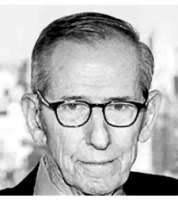
Dr. Morton Gluck, MD
Dr. Morton Gluck is an experienced internist and pulmonologist practicing in New York, NY. With decades of expertise in internal medicine and lung diseases, he provides comprehensive care for adult patients. Dr. Gluck is affiliated with Lenox Hill Hospital. His practice is located at 812 Park Ave, New York, NY 10021.
Board-Certified Internist & Pulmonologist
New York, NY
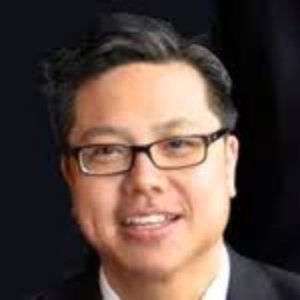
Dr. Hung-Sam Lee, DO
Dr. Hung-Sam Lee is a board-certified cardiologist serving patients in Flushing and Brooklyn, NY. Specializing in heart and blood vessel conditions, she provides expert diagnosis and treatment for cardiovascular diseases. Fluent in English and Chinese, Dr. Lee accepts Medicare and most major insurance plans. Currently accepting new patients. Call (718) 762-1888 to schedule an appointment.
Board-Certified Cardiologist
Flushing, NY
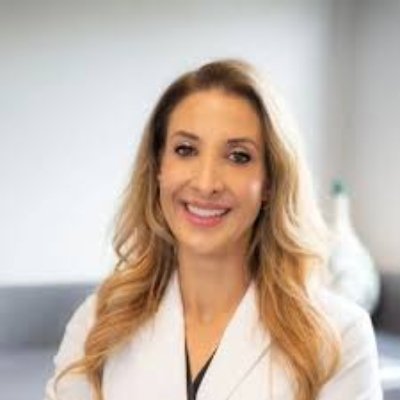
Dr. Brynn Anna Macedo, DO
Dr. Brynn Anna Macedo is a family medicine physician serving patients in the San Bernardino and Fontana, CA area. With over 20 years of experience since graduation in 2004, she provides comprehensive healthcare for individuals and families. Affiliated with St. Bernardine Medical Center, Dr. Macedo is currently accepting new patients. Contact her office for appointment scheduling and insurance information.
Family Medicine Physician
San Bernardino, CA | Fontana, CA
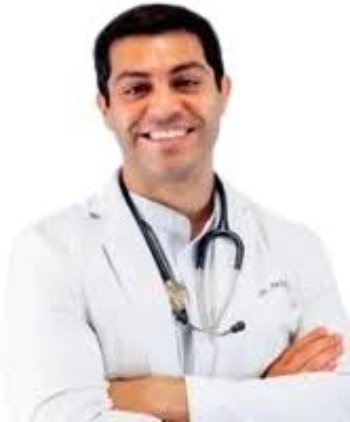
Dr. Ali Busoul, DO
Dr. Ali Busoul is a board-certified family medicine specialist serving Fort Worth and Keller, TX, through three convenient locations. He provides comprehensive healthcare for individuals and families of all ages, with telehealth options available. Dr. Busoul accepts Medicare and most major insurance plans including Blue Cross Blue Shield, CVS Health (Aetna), and Humana. Currently accepting new patients. Call (469) 283-0076 to schedule an appointment.
Board-Certified Family Medicine Specialist
Fort Worth, TX | Keller, TX
Telehealth Available
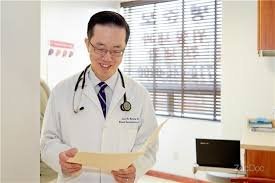
Dr. Joon Myung, MD
Dr. Joon Myung, MD is a board-certified gastroenterologist with extensive training from Baylor College of Medicine, serving patients in Flushing, NY. He specializes in diagnosing and treating digestive system disorders including Crohn's Disease, IBS, celiac disease, and gastrointestinal cancers. Dr. Myung performs colonoscopies, endoscopies, colorectal cancer screenings, and other advanced procedures. Fluent in English, Korean, Portuguese, and Spanish, he provides culturally sensitive care to diverse communities. His practice accepts Medicare, UnitedHealthcare, Aetna, and other major insurance plans. Currently accepting new patients at 15408 Northern Blvd Suite 2K in Flushing. Call (718) 445-0200 to schedule your consultation today.
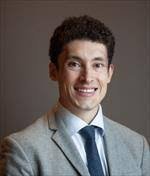
Dr. Andreas Mitchell
Dr. Andreas Mitchell is a board-certified internist serving patients across three convenient locations in San Francisco and Oakland, CA. He provides comprehensive primary care for adolescents, adults, and elderly patients, managing conditions including hypertension, diabetes, sleep apnea, osteoporosis, pneumonia, and cardiovascular diseases. Dr. Mitchell offers annual physicals, preventive screenings, chronic disease management, wellness services, and commercial driver medical examinations. Affiliated with Zuckerberg San Francisco General Hospital and Trauma Center, his practice accepts Kaiser Permanente, Medicare, Alameda Alliance, and other major insurance plans. Currently accepting new patients at all locations. Call (415) 476-1528 for San Francisco or (510) 777-1177 for Oakland to schedule your appointment today.
Dr. Yoon Yi
Dr. Yoon Yi is a board-certified podiatrist serving patients in Flushing, NY and Ridgefield, NJ. He specializes in diagnosing and treating foot and ankle conditions including plantar fasciitis, bunions, diabetic foot complications, sports injuries, and nail disorders. Dr. Yi performs foot and ankle surgery, laser toenail treatment, bunion correction, custom orthotics, and comprehensive wound care. Fluent in English and Korean, he provides culturally sensitive care to diverse communities. His practice accepts Medicare, Integra MLTC, and other major insurance plans. Currently accepting new patients at both locations. Contact Dr. Yi's office today to schedule your consultation.
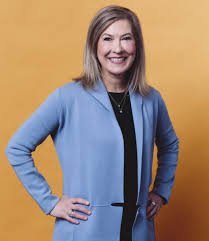
Dr. Linda Miller, DO
Dr. Linda Miller, DO is a board-certified psychiatrist with over 27 years of experience serving patients across three Washington locations: Olympia, Bellevue, and University Place. She graduated from Des Moines University College of Osteopathic Medicine and is certified by the American Board of Psychiatry and Neurology. Dr. Miller treats mental health conditions including ADHD, anxiety disorders, depression, bipolar disorder, PTSD, eating disorders, and substance abuse. She offers Cognitive Behavioral Therapy (CBT), medication management, couples therapy, ketamine infusion therapy, and crisis intervention. Her practice provides convenient online booking and telehealth appointments, accepting Medicare and other major insurance plans. Currently accepting new patients at all locations. Call (360) 701-1715 or book online today.